
How to contact a Vendor
You can contact a vendor on Advercado if you have any queries. Your messages are private and are only viewed by yourself and the vendor.
If you wish to reach out there are a number of ways to do so:
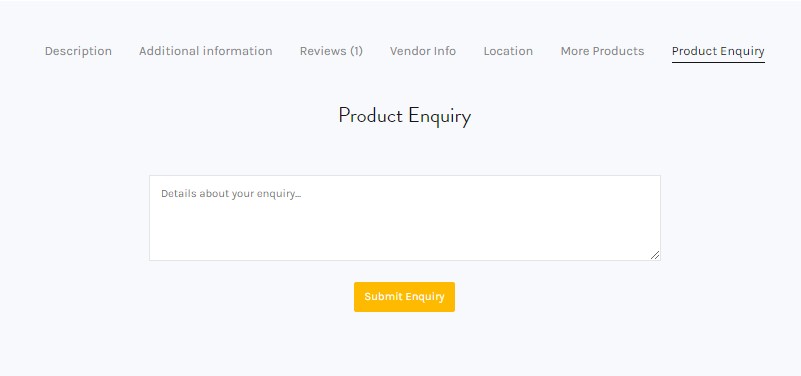
Send an inquiry directly to a vendor from a search result
- Find the advertising space or service you wish to enquire into
- Select the product page
- Use the Product Enquiry tab at the bottom of the product page
- Enter your inquiry and click ‘Submit Enquiry’
Send an inquiry directly to a vendor with the contact vendor form
- Find the advertising space or service you wish to enquire into
- Select the product page
- Use the ‘Contact Vendor’ button to send a message to the vendor
- Enter a subject line and your message, you can select an order ID if it relates to an existing order
- Click submit

NOTE: You must have a verified Advercado account to connect with vendors with the ‘Contact Vendor’ feature.
NOTE: You are not in contact with Advercado when contacting Vendors. Do not share your login details, bank details or any other sensitive information through communication channels.
If you are having trouble and need support from a vendor, please visit the vendor’s store and use the contact feature.
IMPORTANT: We advise all users to communicate and conduct business solely through Advercado. We hold no responsibility for any communication and transactions taken outside of our platform.
Not what you are looking for?